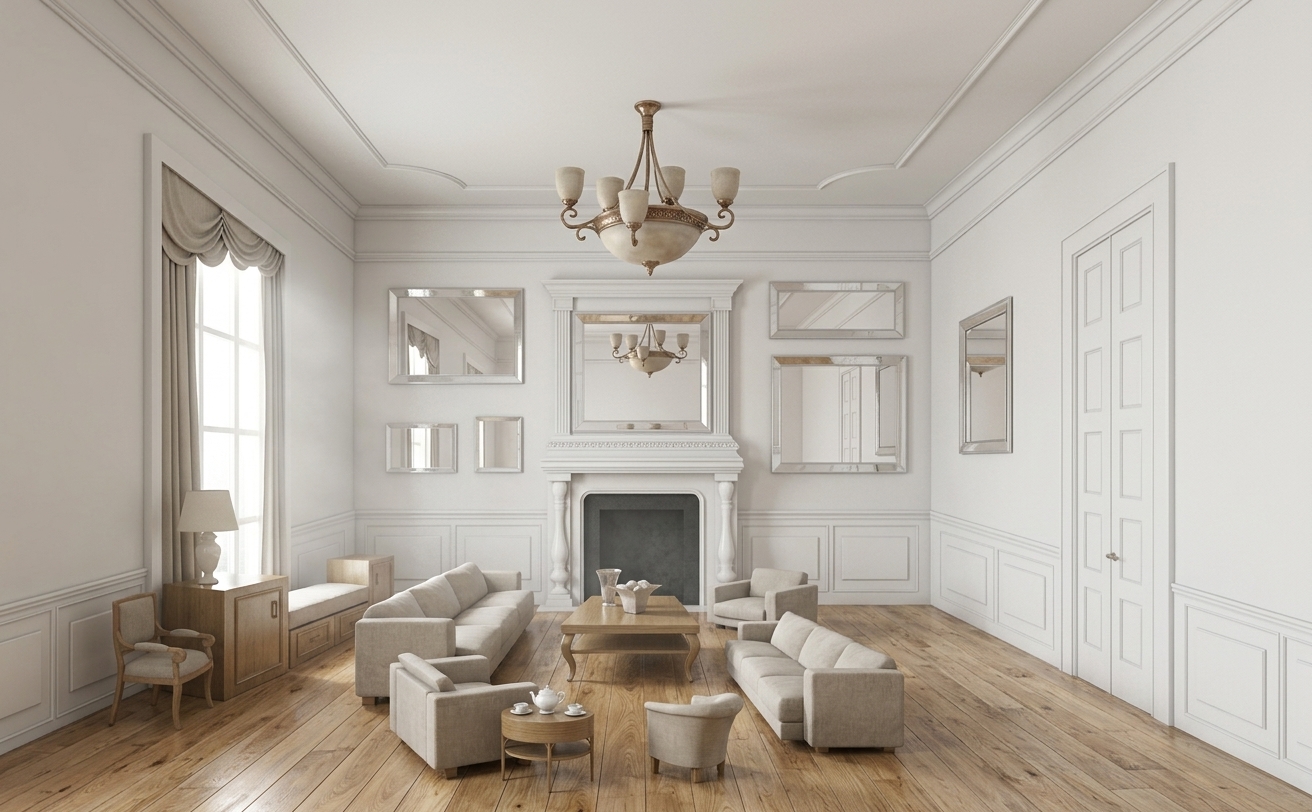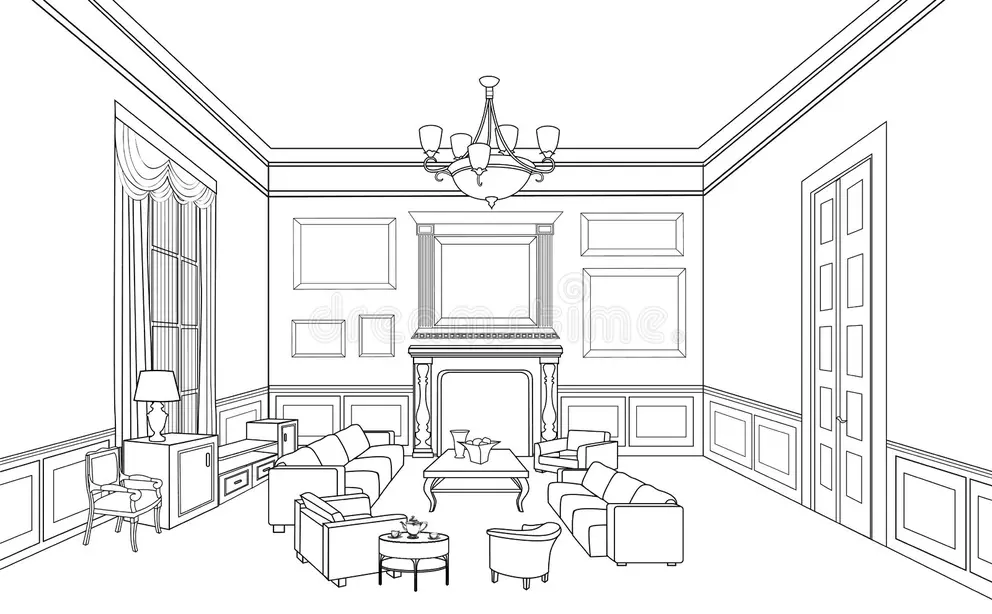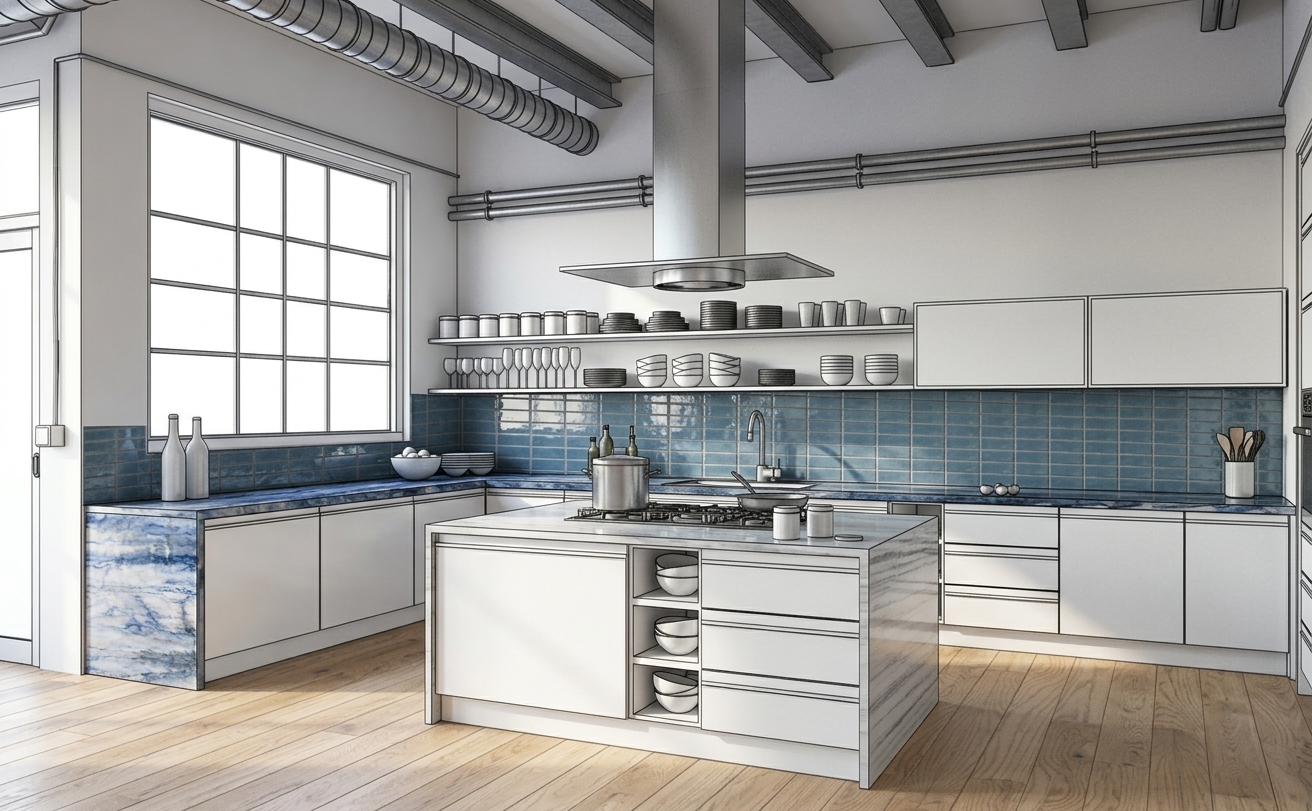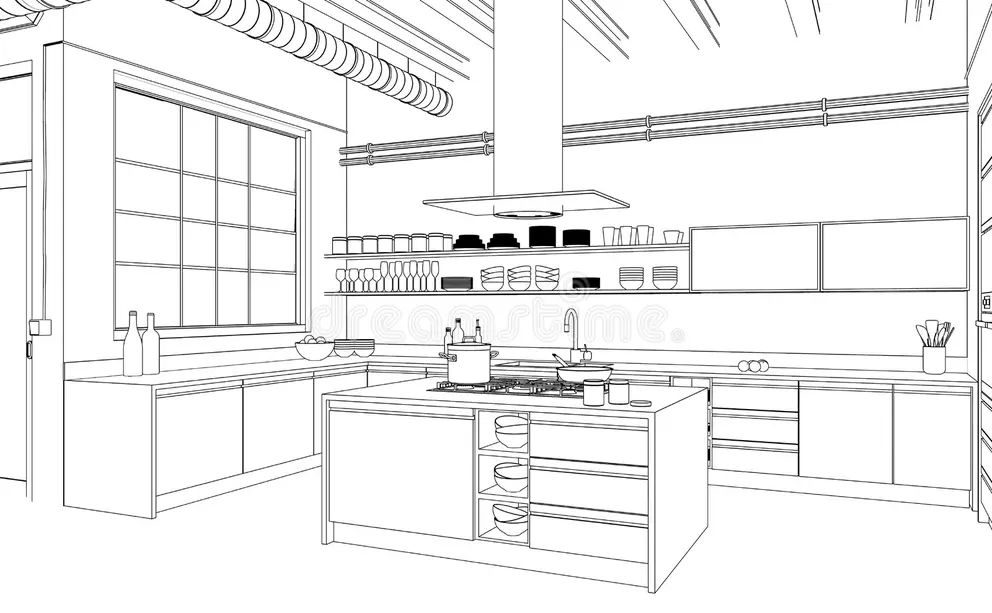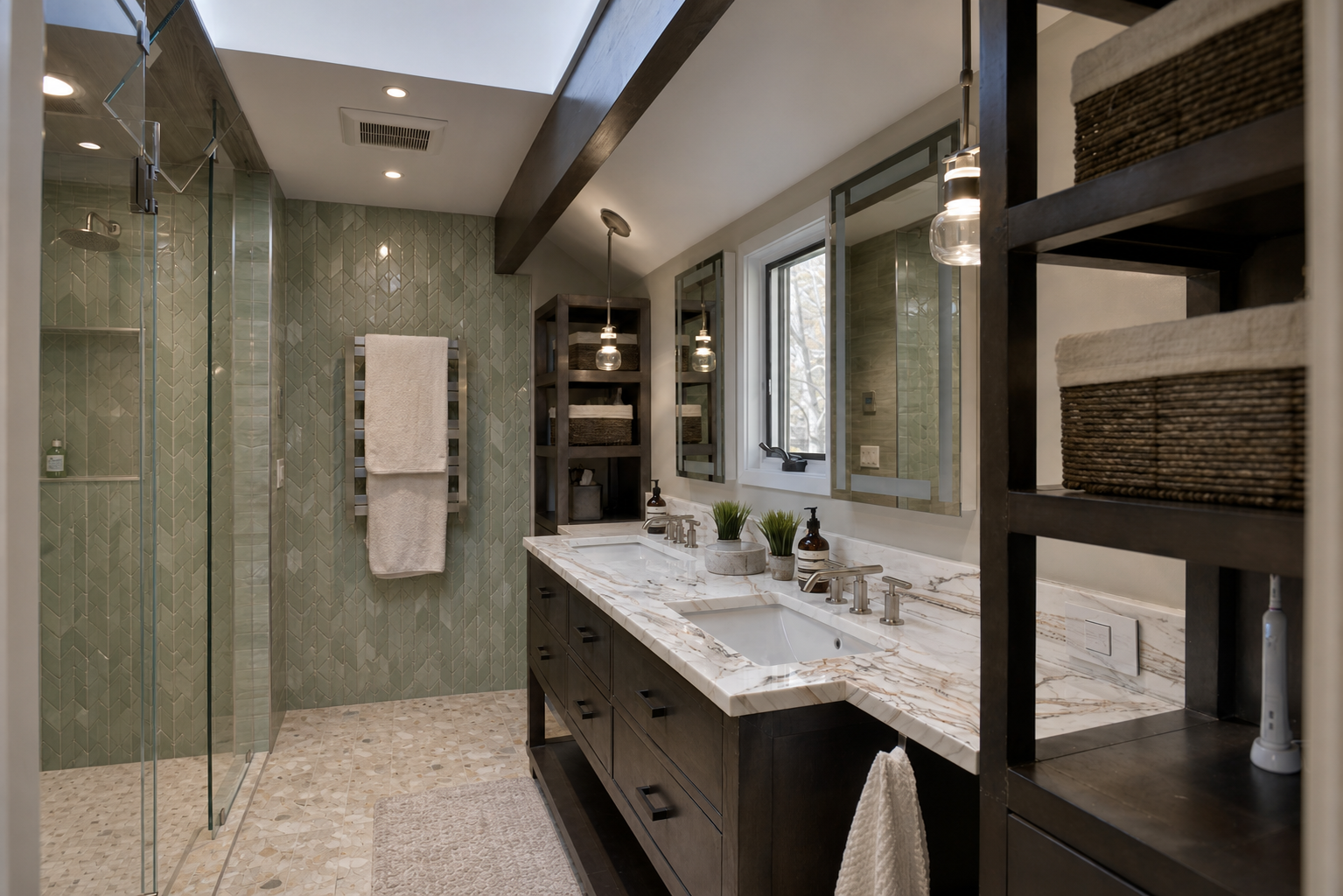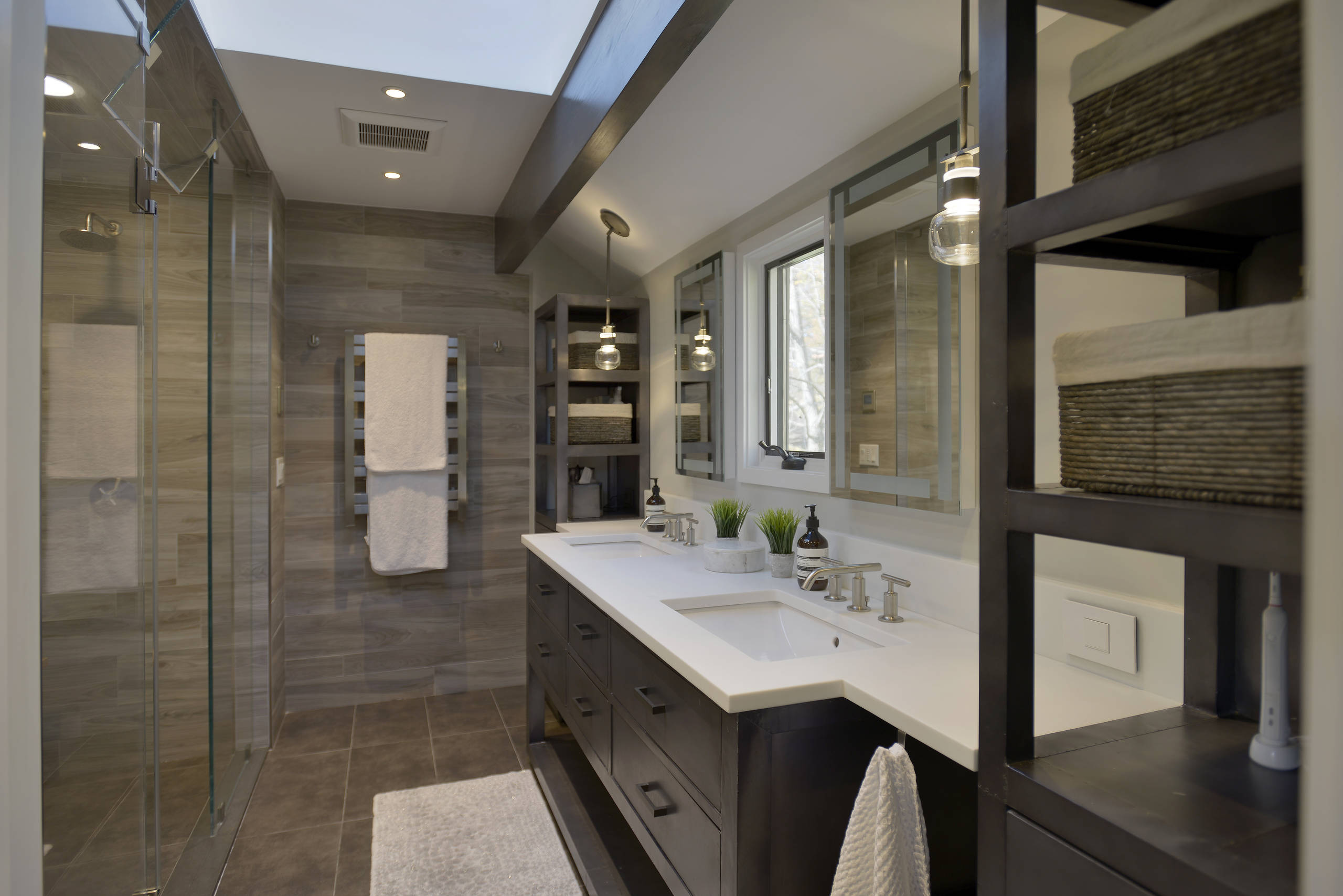
Real spaces
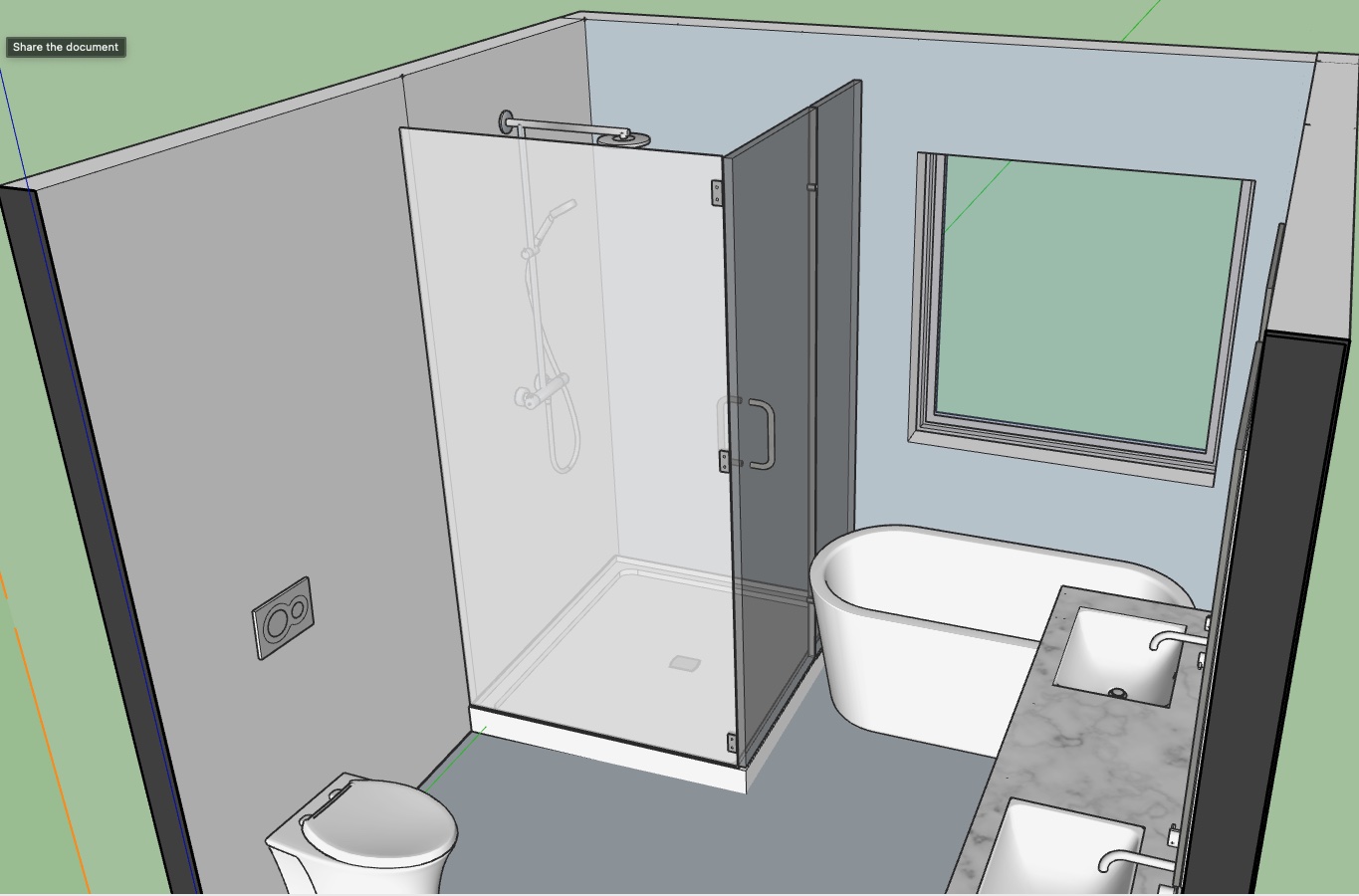
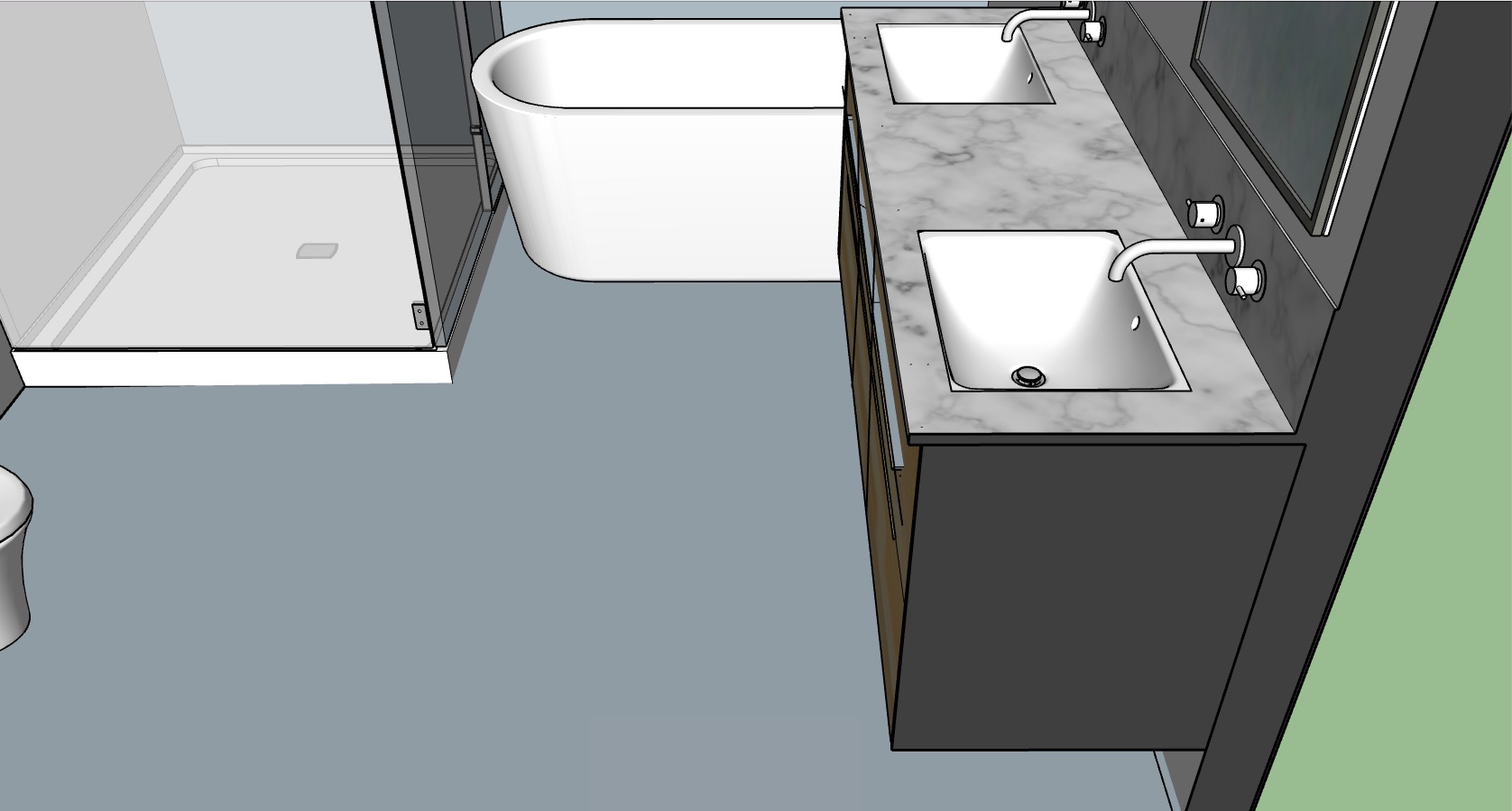
Preserve room layout, scale, surface boundaries, geometry, and perspective so users can evaluate realistic options.
Remodel My Home connects inspiration, real materials, visualization, collaboration, and future execution support into a single decision workflow.
Preserve room layout, scale, surface boundaries, geometry, and perspective so users can evaluate realistic options.
Search and apply actual tile, flooring, countertop, stone, and finish products with images, details, pricing, and specifications.
Move from visual exploration to saved designs, material selections, handoff documentation, and future project execution tools.
Use the same high-level workflow for homeowners, real estate agents, designers, architects, contractors, and design/build firms.
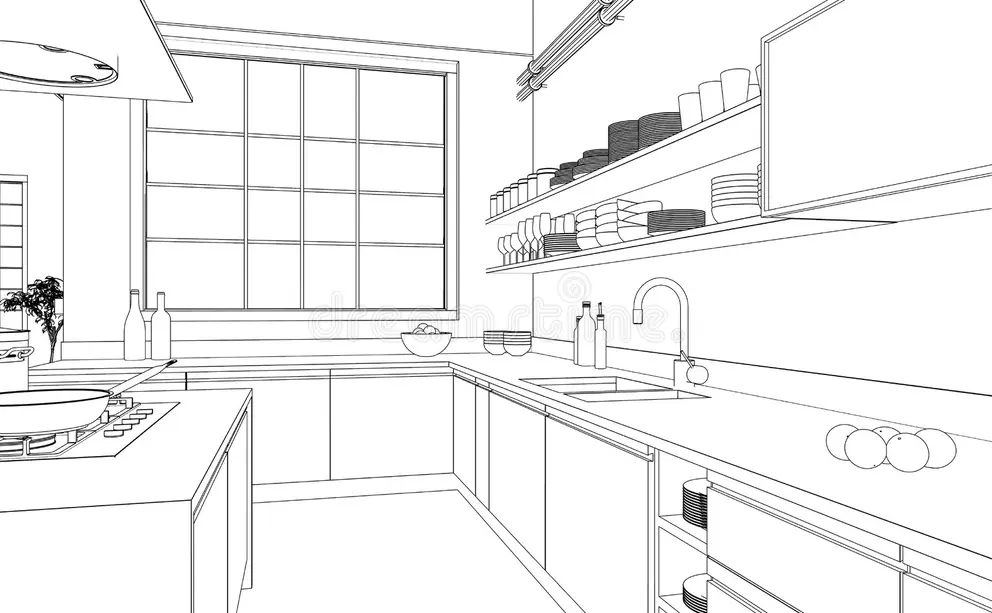
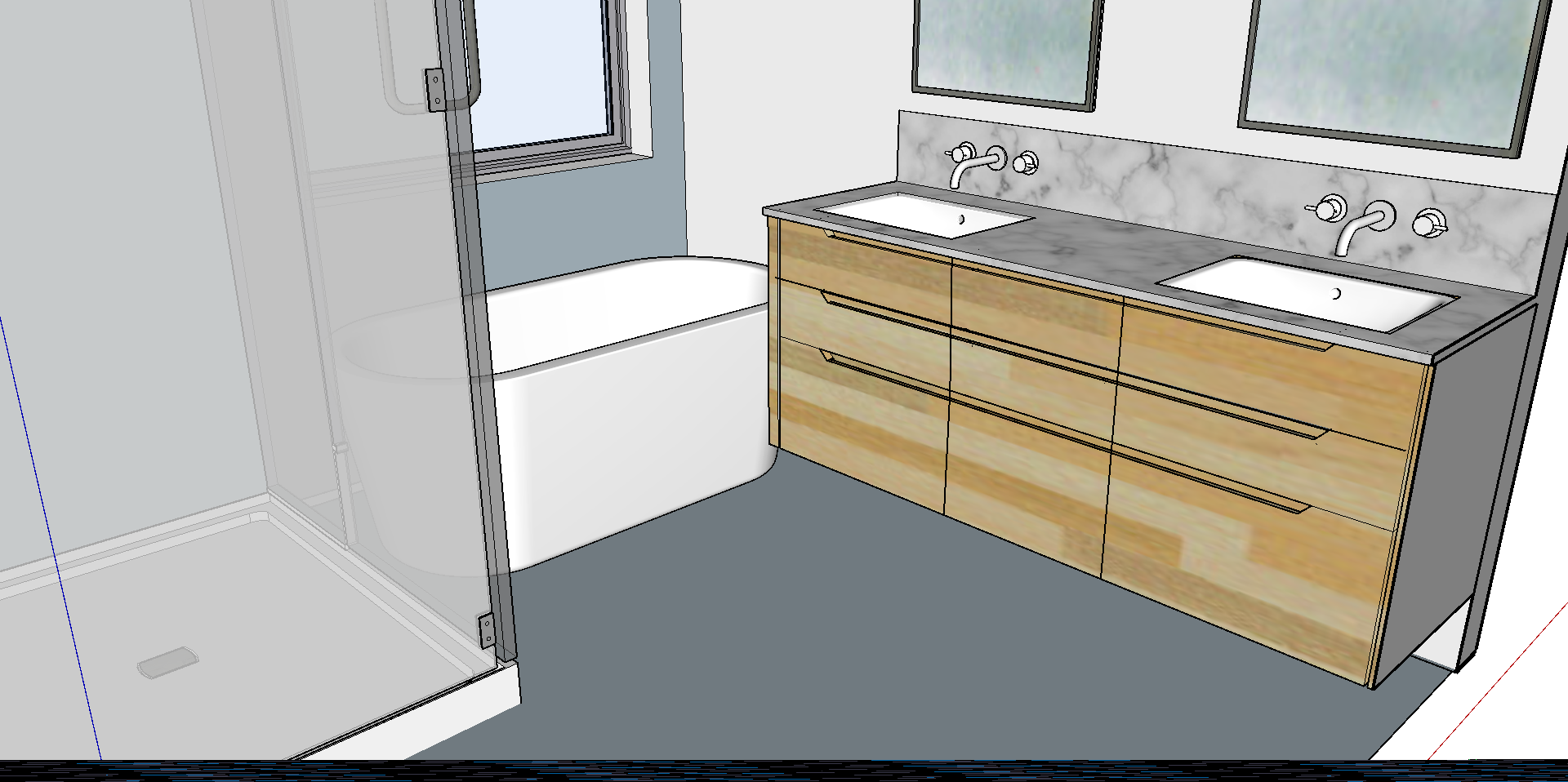
Add a room photo, CAD render, blueprint-inspired image, or existing design concept.
Trace surfaces, define cutouts, and set scale cues so visualization stays grounded.
Search with text, speech, or inspiration photos to find material options that fit the design intent.
Preview materials quickly with CV, then enhance selected options with photorealistic AI.
Save variations, review side by side, capture notes, and converge on the best design direction.
Generate a design inspiration package with summary, materials, specs, images, and decision context.
RMH is the public free-to-start experience. RMH Pro is the co-branded professional workspace for firms that manage client projects.
For homeowners, buyers, sellers, and real estate agents exploring remodel potential.
For interior designers, architects, contractors, and design/build firms.
Keep the product story simple: public self-service exploration versus professional client collaboration.
Explore each product workflow through real RMH and RMH Pro screenshots. Use the tabs to switch sections; the carousel rotates through the screenshots for the selected tab.
Use anchors instead of separate pages. Each solution block can be reached from the top menu and CTA routing can vary by audience.
Help users see what a room could become before they buy materials, list a property, make an offer, or start construction. Homeowners can compare upgrade paths in their own space, while real estate agents can help buyers and sellers understand renovation potential more visually.
Estimate project ranges from selected surfaces, material choices, room context, and design direction.
Connect users with relevant contractors based on project type, location, scope, and selected design direction.
Present, iterate, and finalize client designs through a modern visual workspace. Designers prepare initial directions, clients personalize options visually, and both sides collaborate toward final selections without relying only on static mood boards.
Primary message: faster approvals, higher client confidence, more exploration without heavy extra effort, and stronger collaboration through shared visual context.
Use visualization as a sales and scope-alignment advantage. During consultation, show clients how they will see options before construction. After contract, use RMH Pro to finalize design direction, align budget and scope, and reduce downstream change-order pressure.
Primary message: win more bids, accelerate client decisions, reduce ambiguity before construction, and keep the firm in control of execution.
Position RMH away from free-form fantasy-image tools and toward decision-ready remodel visualization.
Start with a deterministic, CV-based render and use AI as a controlled enhancement layer. The output is realistic, comparable, and easier to trust for remodel decisions.
Preserve room geometry, surface boundaries, scale, and perspective so the design remains connected to the actual room or CAD view.
Visualizations are tied to real catalog products, textures, finishes, product details, prices, and technical specifications.
Use quick CV previews to explore, then spend AI credits selectively on high-quality enhancements worth sharing or saving.
Search high-resolution product images, descriptions, pricing information, and detailed specifications from retailers including Floor & Decor, Tilebar, Bedrosian, Zia Tile, Ann Sacks, and more.
RMH should feel like a design assistant that translates intent into real material options and visual remodel concepts.
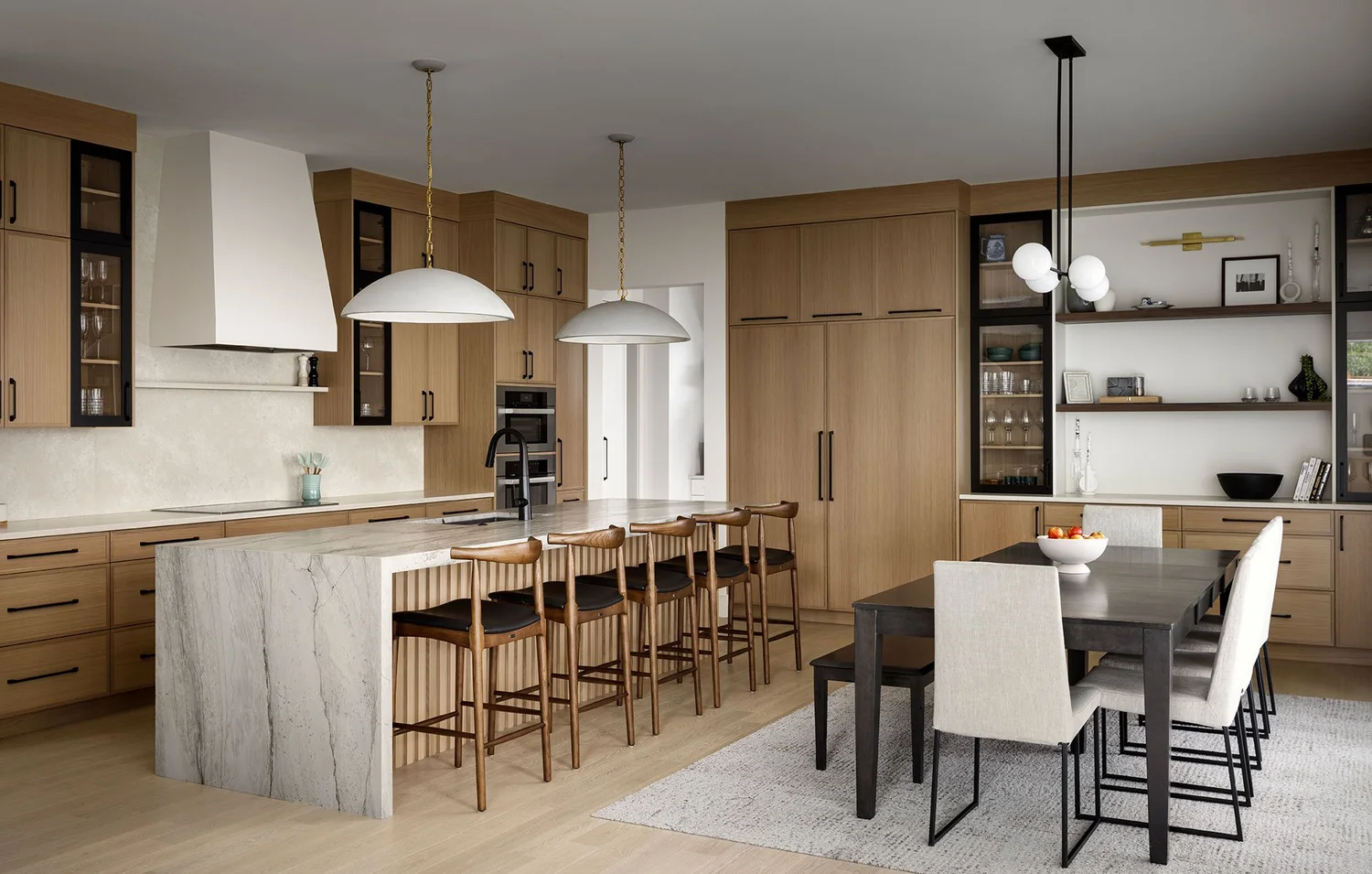
"Show me warm white zellige tile, walnut cabinets, and a light stone countertop."
Let users describe preferences conversationally while the system searches, suggests, and applies options.
Upload an inspiration photo and find visually similar real materials from the product library.
Show how RMH Pro converts visual exploration into actionable documentation for clients, designers, contractors, and project teams.
Replace static mood boards with interactive design inspirations. Designers can prepare concepts; clients can review, customize, and save variations in the same visual context.
Preserve the why behind each decision. Capture designer and client comments directly alongside the relevant visualization and material selection.
Include product images, descriptions, sizes, finishes, pricing information, and technical specifications so handoff materials are useful beyond the visual render.
Generate a client or contractor-facing package with project summary, selected material overview, material specification pages, AI renders, and decision notes.
Explore complete design directions built from uploaded photos, CAD views, real material selections, and AI-enhanced remodel visualizations.
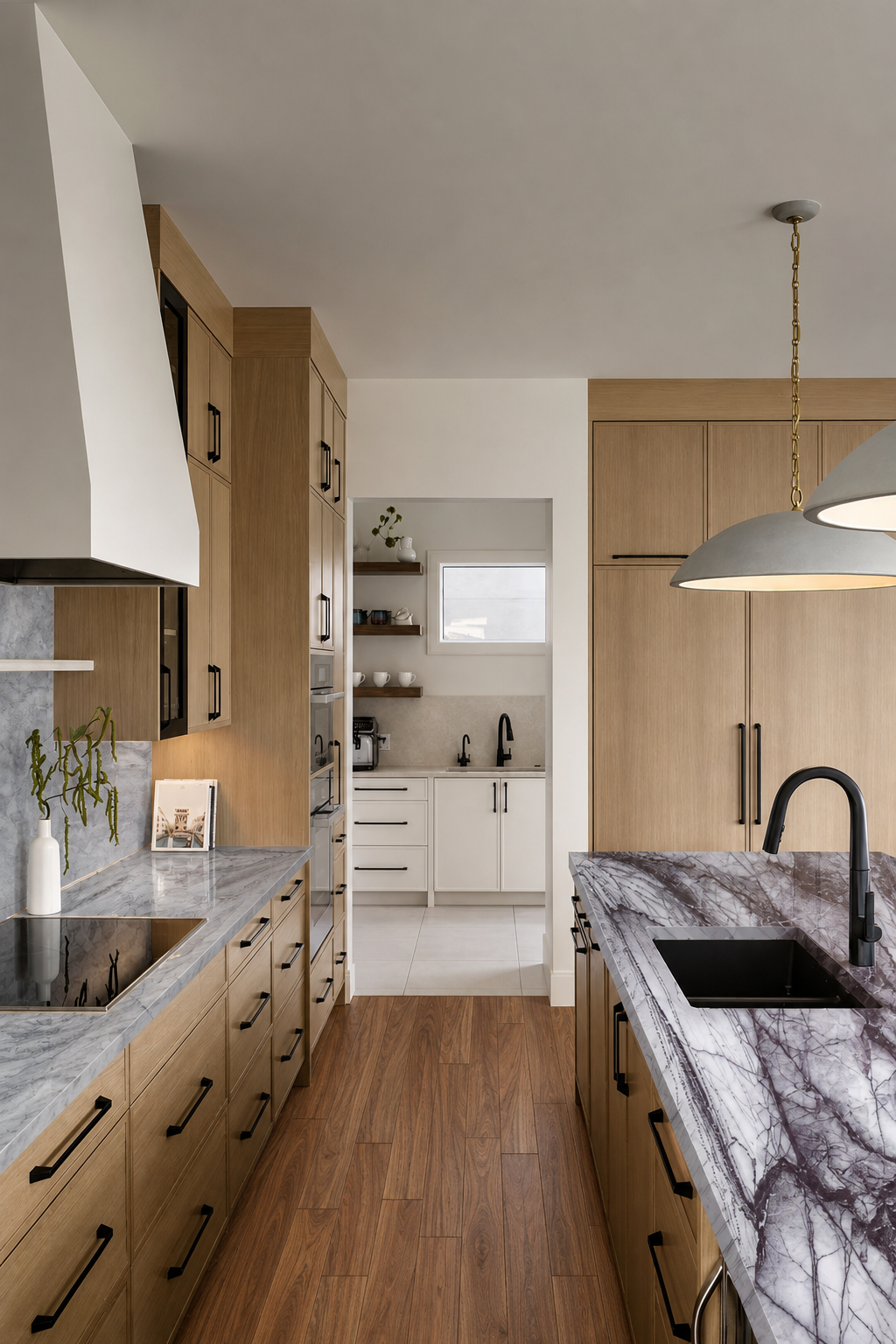
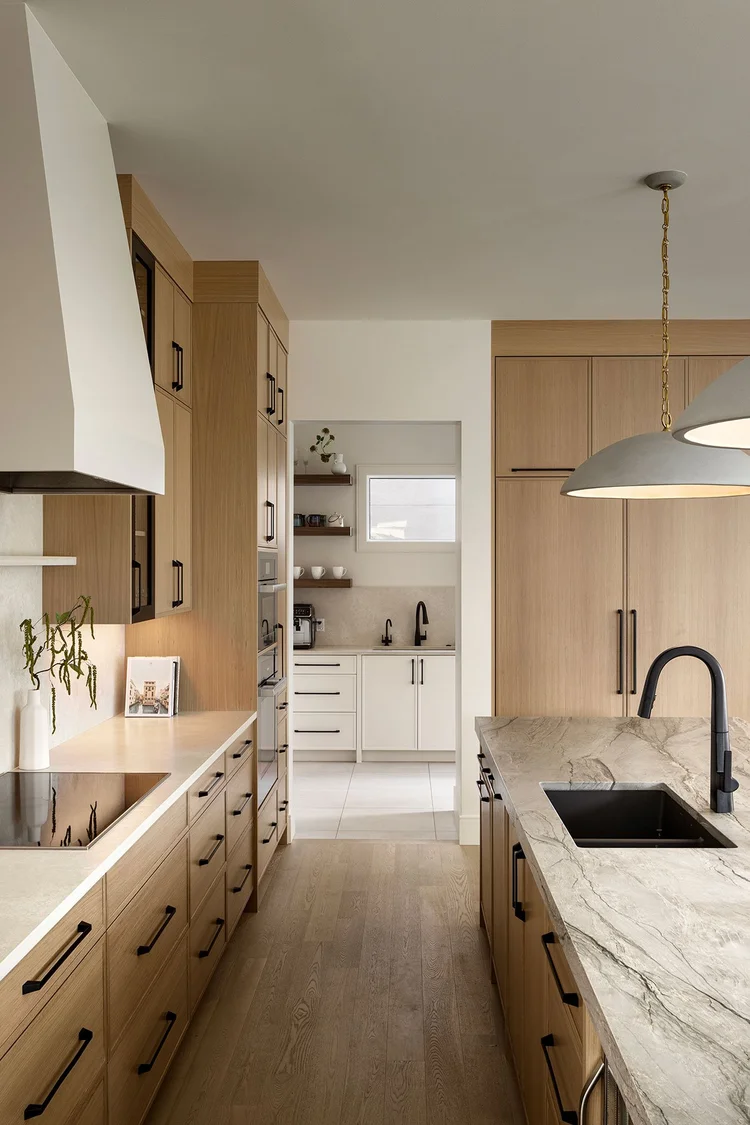
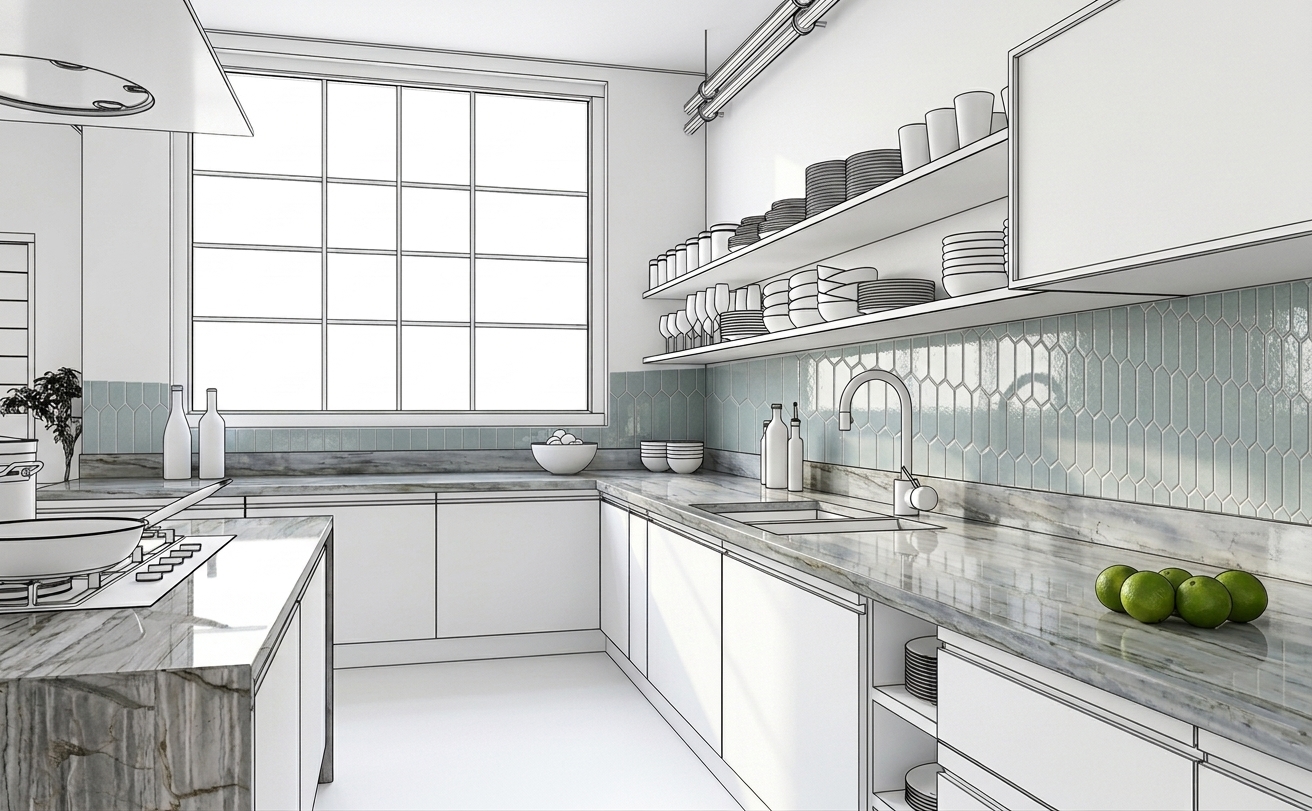
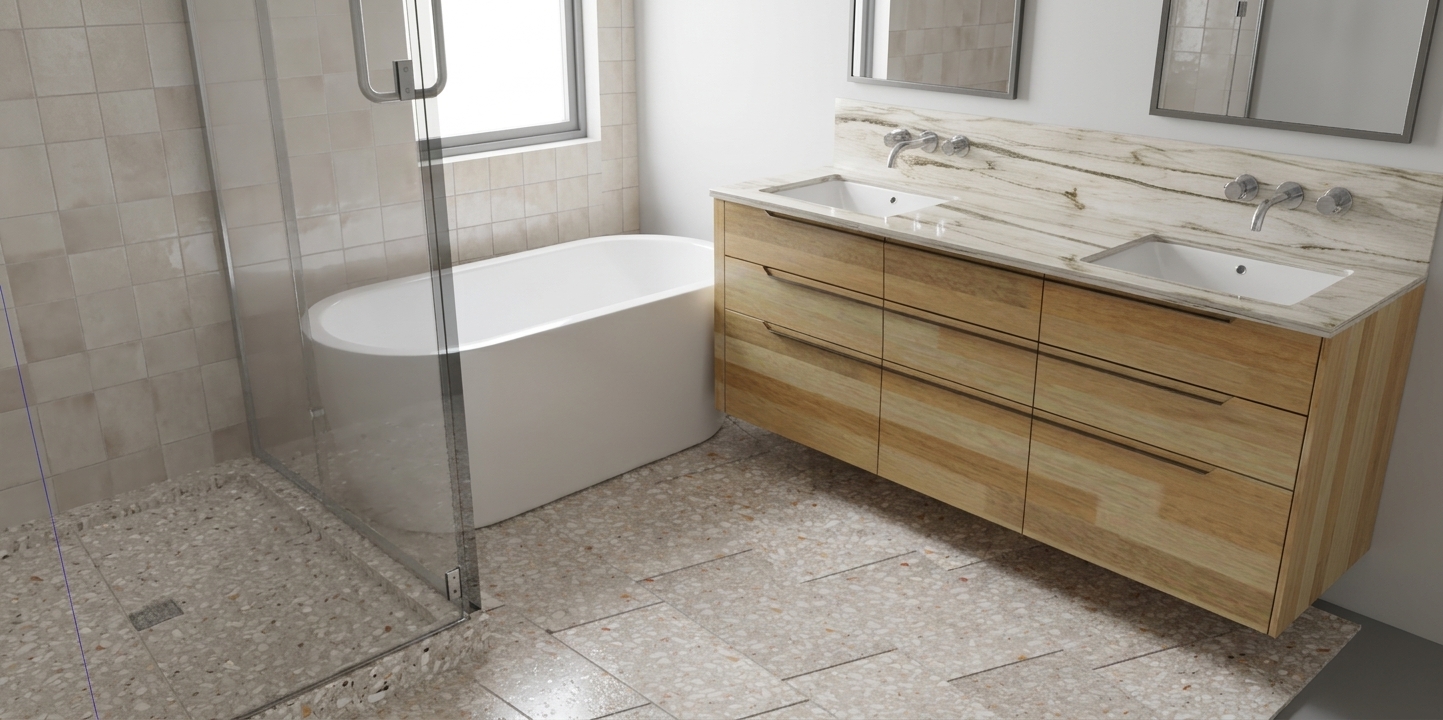
Each scenario acts like a public-facing RMH Inspiration: design intent, selected materials, multiple visualized views, and PDF-style handoff.
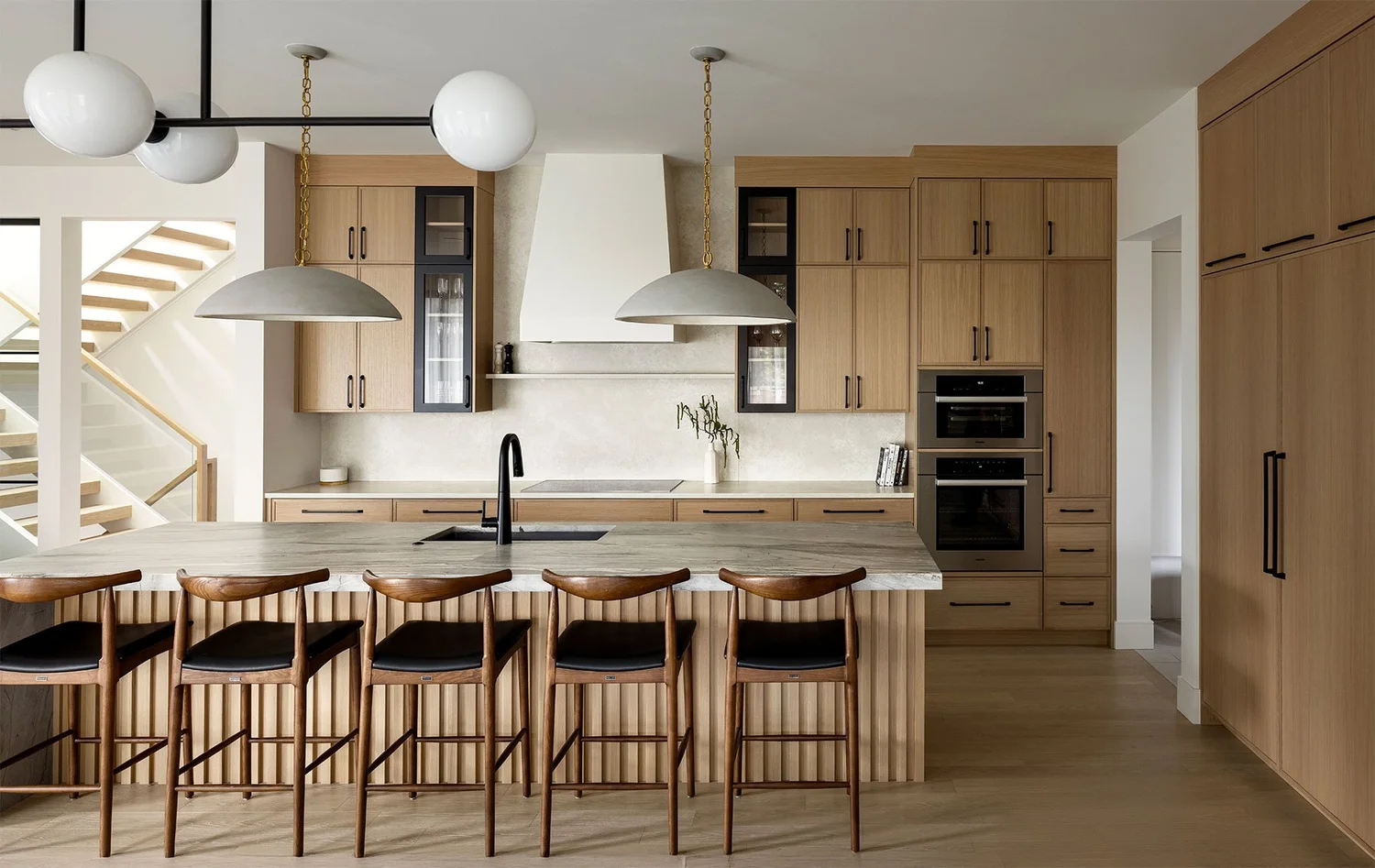
A refined blue kitchen featuring shimmering Zellige Oxford ceramic backsplash tile, dramatic Diamond Crystal polished quartzite perimeter counters, a Montclair Danby marble island, and warm Bradshaw White Oak engineered hardwood flooring.
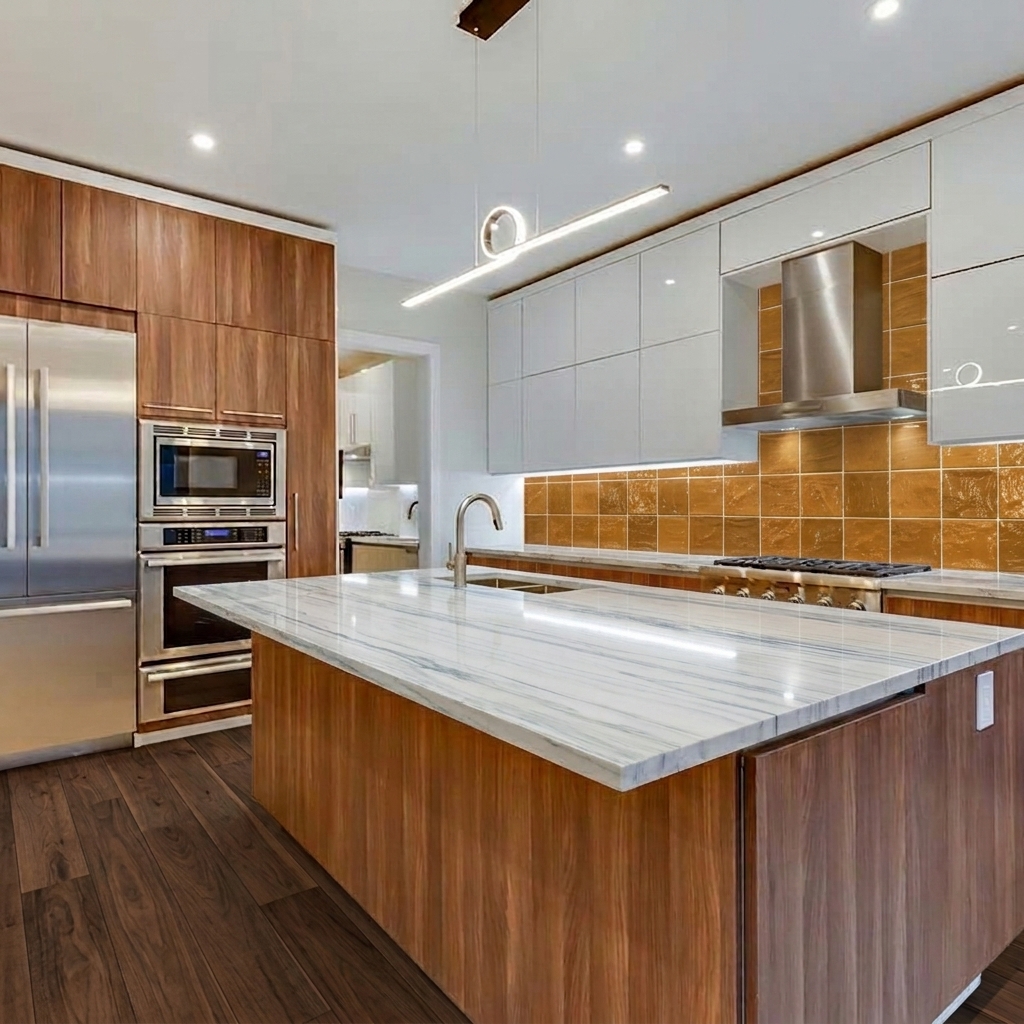
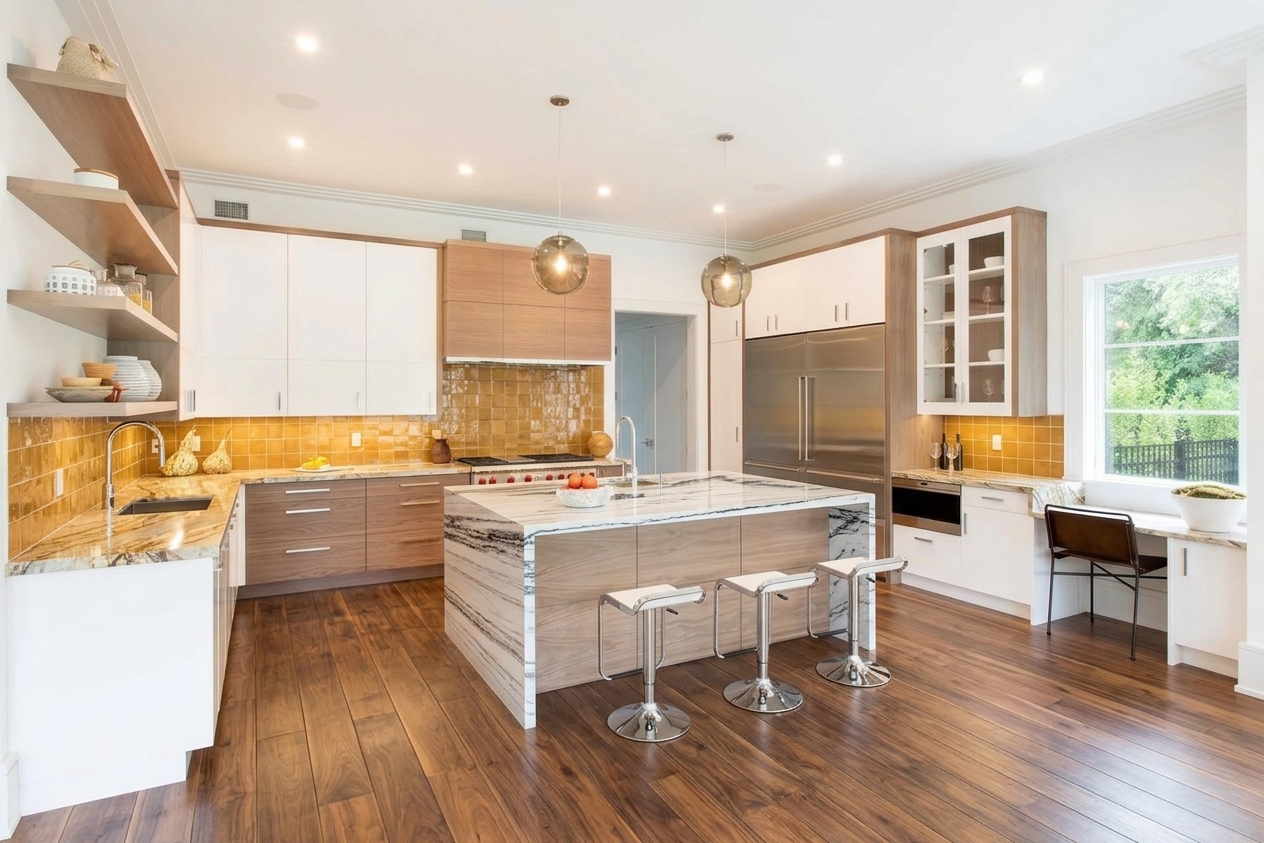
A warm modern kitchen anchored by Royale Walnut handscraped engineered hardwood, paired with a crisp Montclair Danby marble island, Nacarado leathered quartzite perimeter counters, and glossy Ochre Zellige backsplash tile for a rich, sunlit finish.
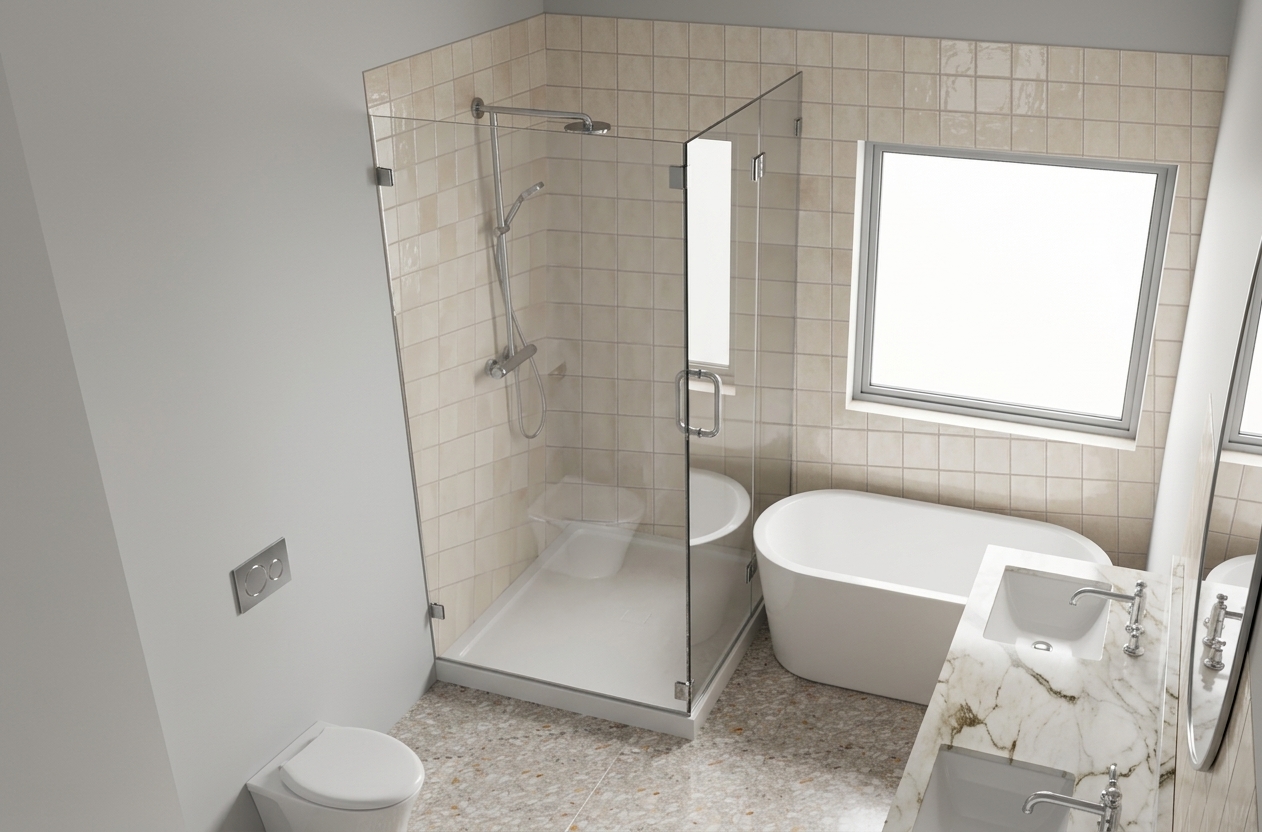
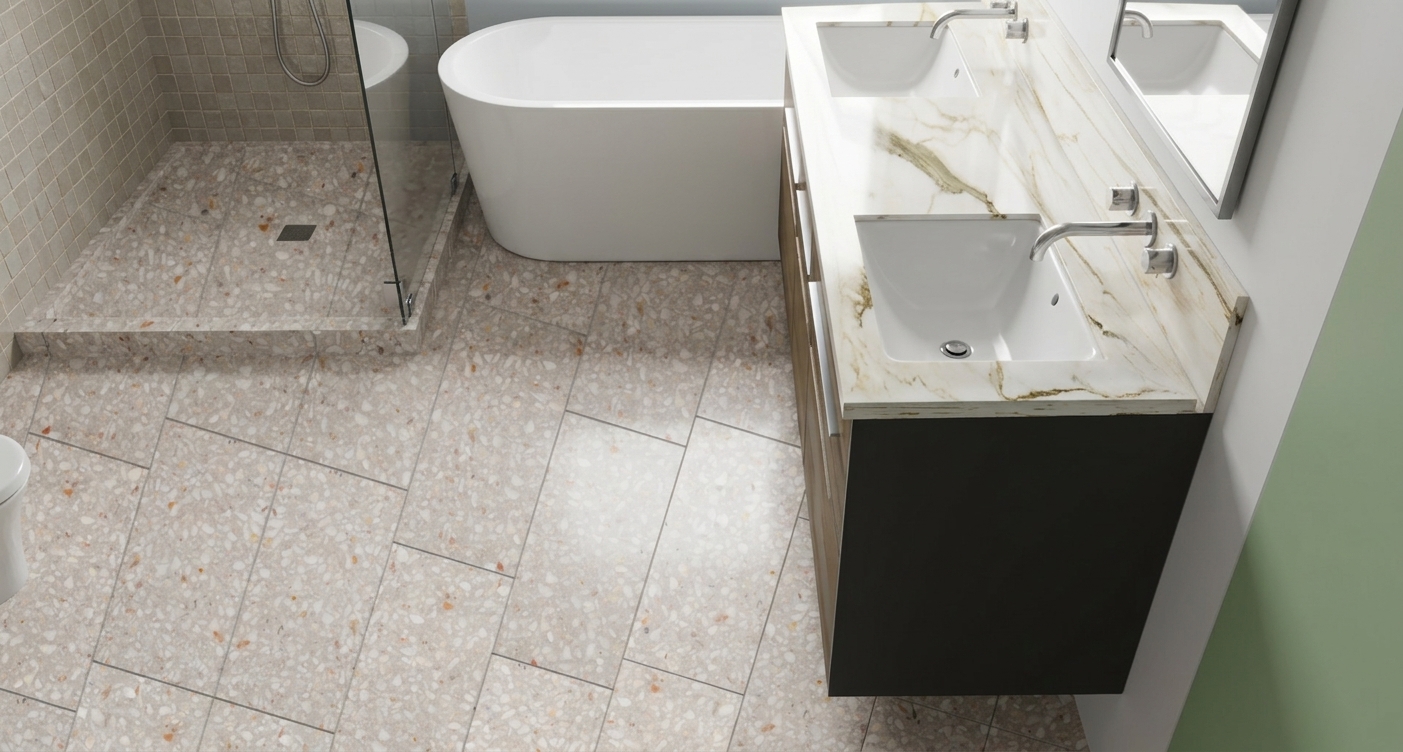
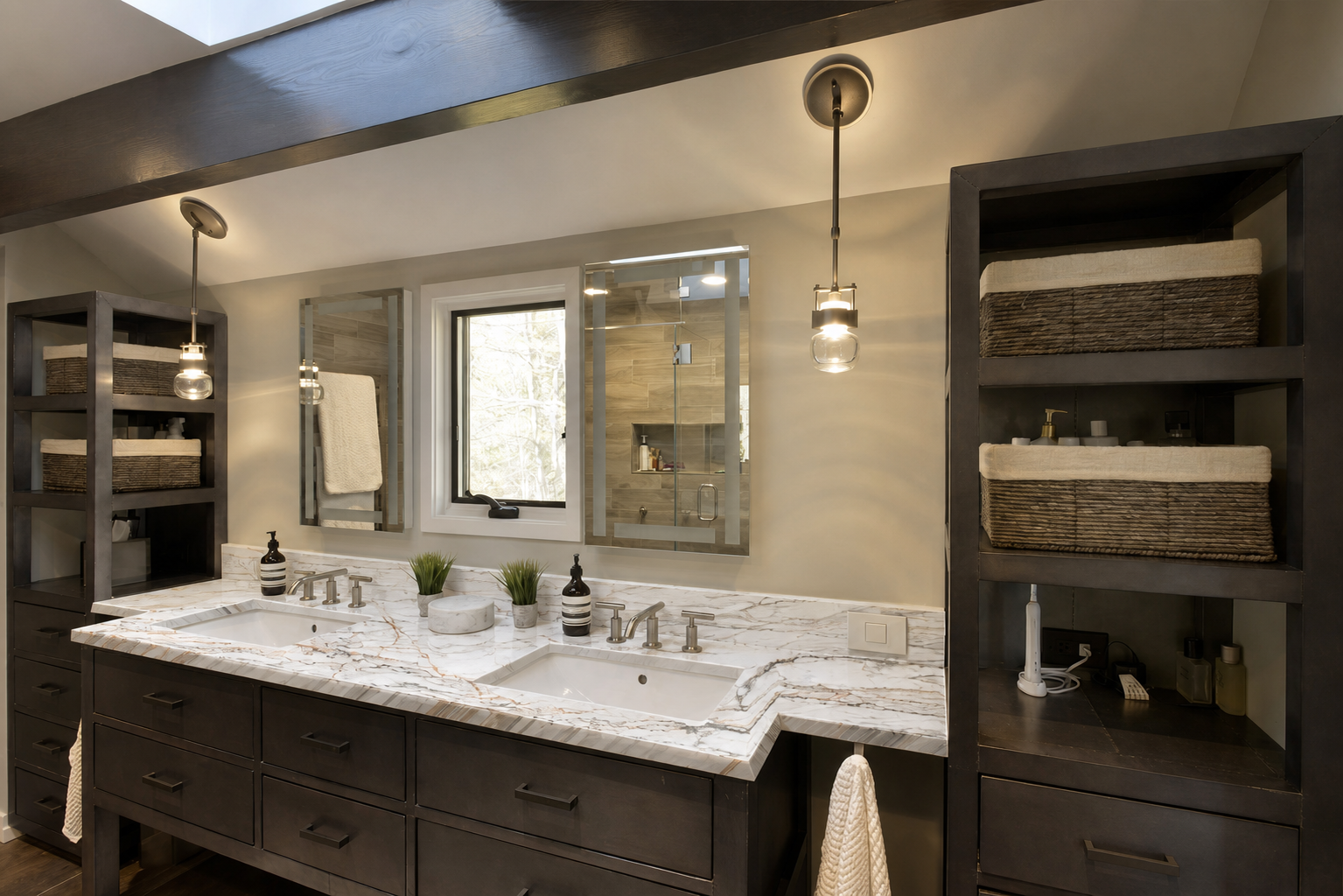
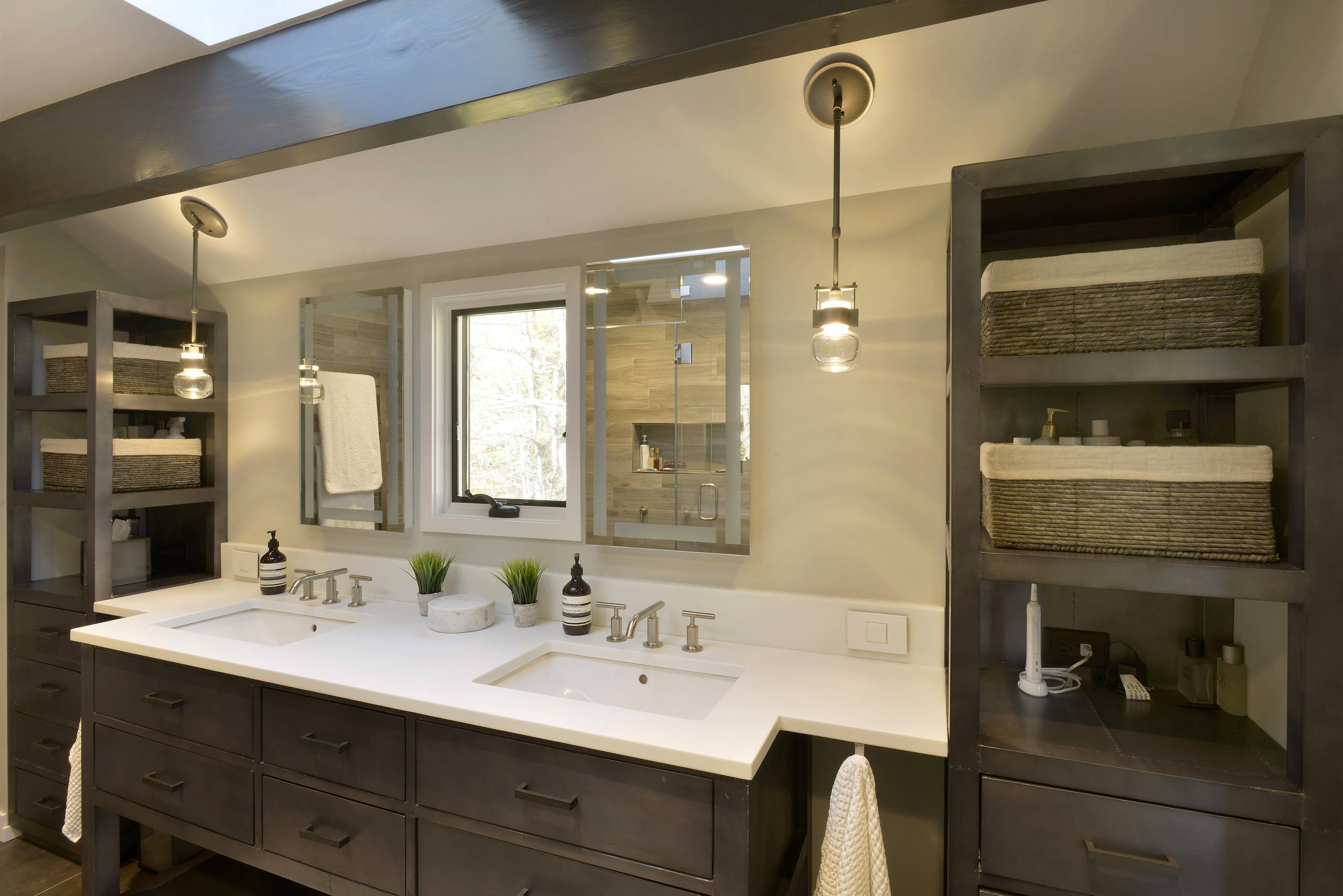
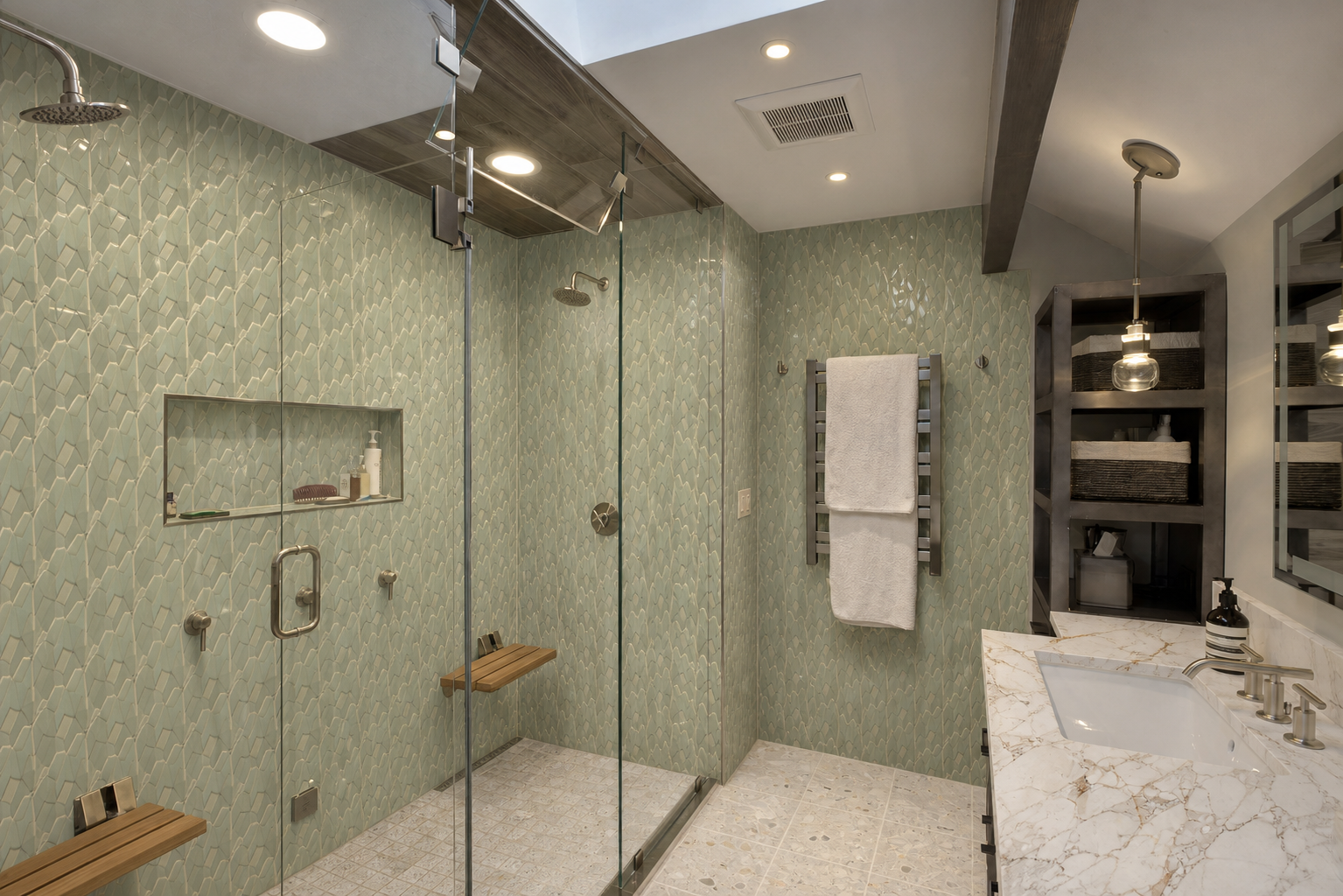
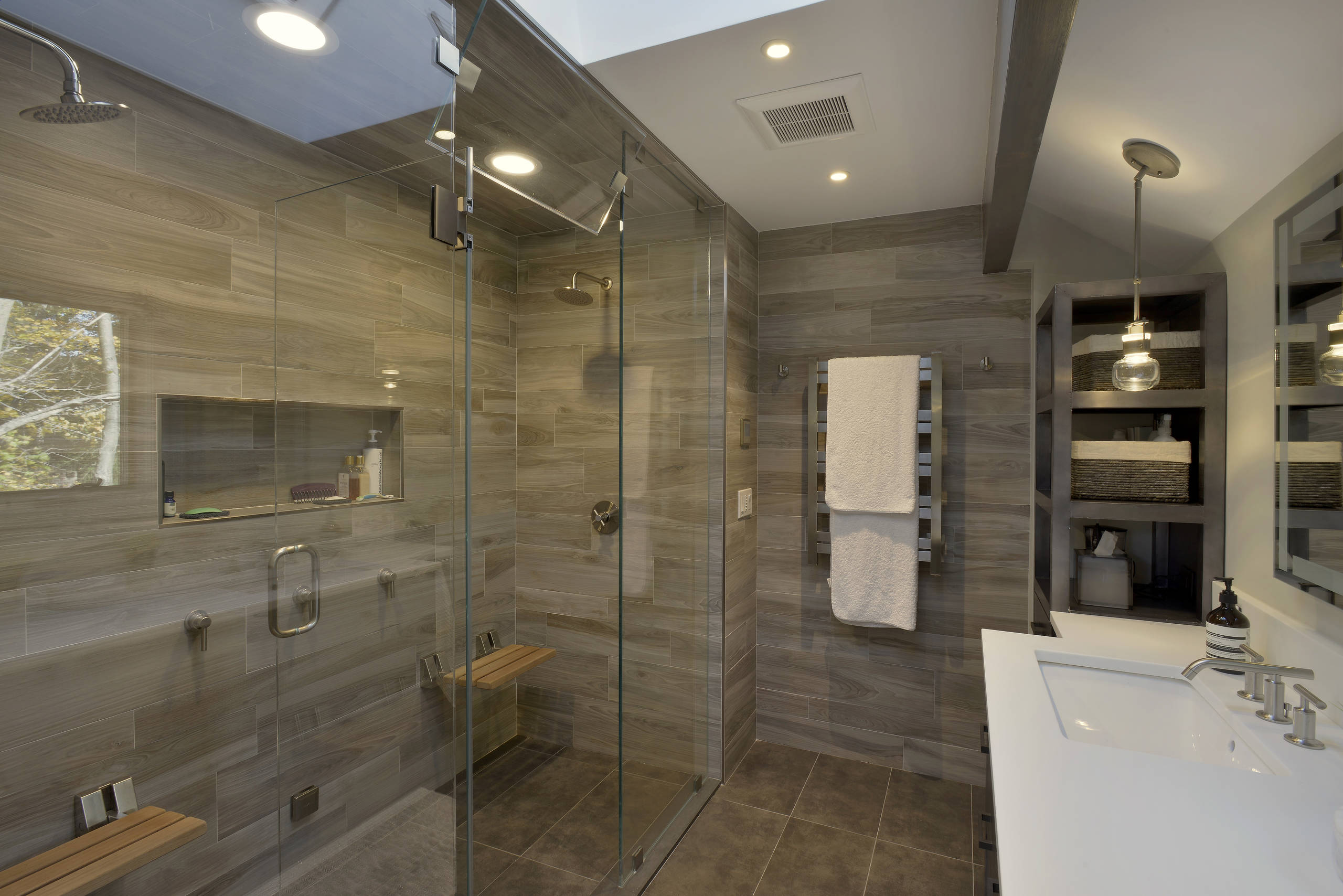
A serene bathroom retreat with polished True Terrazzo Dove Gray floors, elegant Calacatta marble vanity counters, and glossy Zellige Crema shower walls that bring soft warmth, texture, and timeless spa-like calm.
A serene spa-inspired bathroom grounded by matte gray hexagon floor tiles with delicate gold fan patterns. Shimmering Azul blue triangular ceramic shower walls add luminous 3D texture, while Fantasy Wave Marble vanity counters bring warm beige and gold veining for an elegant, resort-like finish.
This CTA is for the public RMH experience. The landing flow should lead users into upload, account creation, and first design generation.
Choose a room photo or CAD render to start a project.
Search real catalog materials, use inspiration photos, or describe the look you want.
Use credits for AI enhancements and save your favorite designs.
Create a co-branded client visualization experience for your team, your clients, and your remodel projects.
No public pricing at launch. The demo form should qualify interest by firm type, team size, project volume, and primary use case.
These answers can live in the single-page website and be expanded later as product details solidify.
The public RMH experience will be initially free to use and include 25 starting credits for AI enhancements and photo uploads.
RMH Pro is the professional version for firms that need co-branded portals, user and project management, collaboration workspaces, and client-facing design workflows.
No. RMH Pro should route interested firms to the Request Demo form instead of displaying pricing at this stage.
Yes. The core positioning should explicitly support both room photos and CAD-based visualization workflows.
Yes. RMH should emphasize real catalog materials with high-resolution images, product descriptions, pricing information, and detailed specifications.
RMH uses AI as a controlled enhancement layer on top of computer-vision-based visualization. The goal is stable, realistic, material-aware output that supports actual remodel decisions.
For homeowners and real estate agents, Price Estimation and Contractor Match should be positioned as coming soon. Future Pro workflows may also include estimation, purchasing, and execution support.
Drop these assets into the wireframe sections to turn the content draft into a polished one-page website.
4-6 before/after pairs covering CAD-to-render and photo-to-remodel transformations.
Upload flow, surface selection, material search, CV preview, AI enhancement, saved designs.
Co-branded sign-in, project dashboard, user management, inspiration viewer, design notes, handoff PDF.
Search UI, filters, product cards, material textures, retailer examples, image similarity search.
Homeowner exploration, agent renovation potential, designer/client collaboration, design/build sales and scope alignment.
Kitchen, bathroom, flooring, backsplash, countertop, living room, CAD, and photo examples.
Use two CTAs across the site only: Try for Free for the public RMH flow and Request Demo for RMH Pro.